How your GoodMem Cloud instance wakes up: the activator
In GoodMem Cloud, the activator resumes a paused GoodMem on the first API call. Learn how wake-up, retries, and auto-pause work without changing your URL or API key.
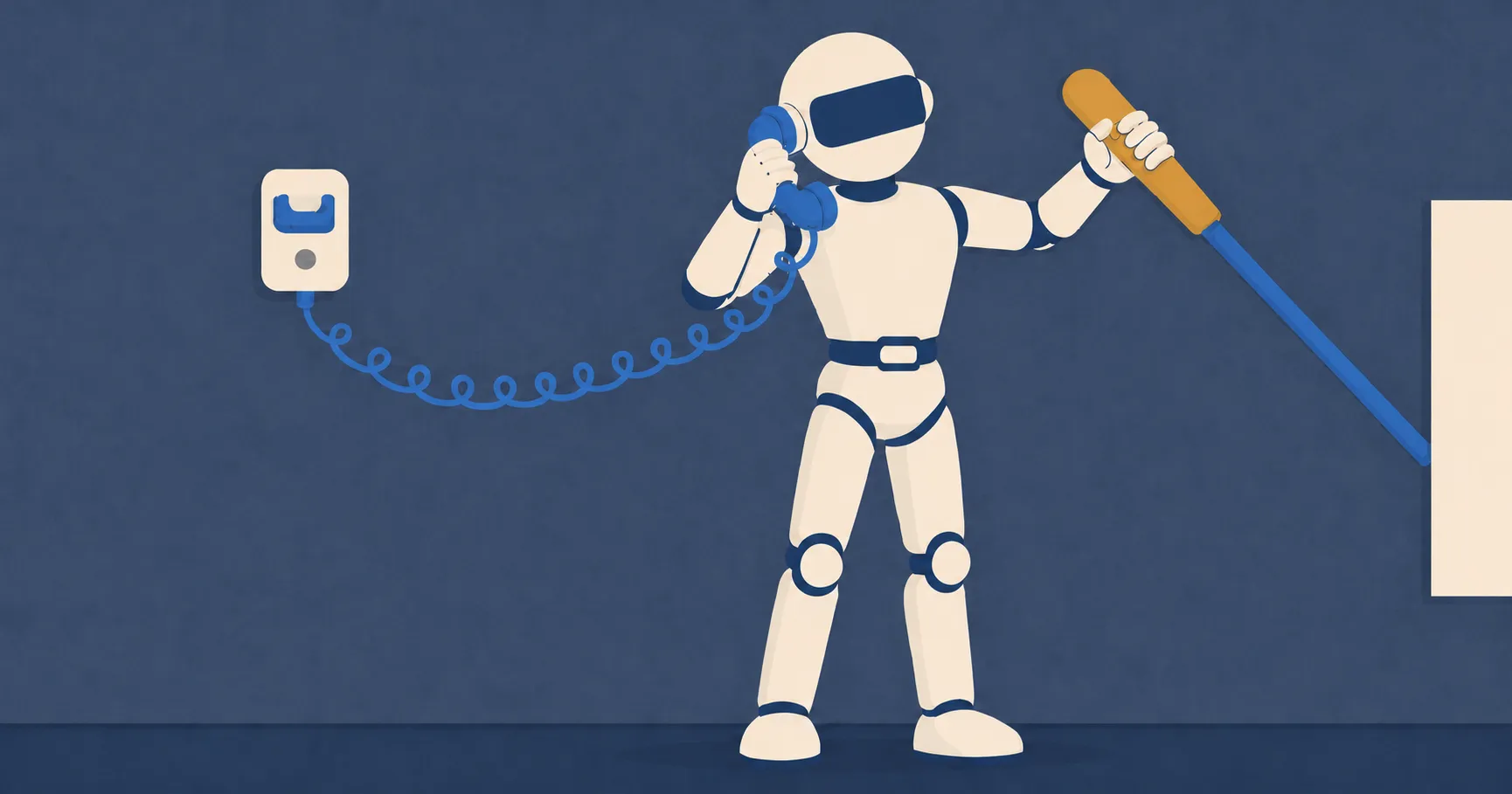
GoodMem and GoodMem Cloud
GoodMem is the memory layer between your agents and their data. It turns documents, knowledge and conversation history into persistent, searchable memory. It manages embedders, rerankers and LLMs as resources you wire together at query time, and it governs every request with a full authorization model. You can run GoodMem yourself, on your own servers.
GoodMem Cloud is GoodMem as a hosted service. You sign up, create a GoodMem from the dashboard, and we run it for you: the GoodMem server, its Postgres database, its address and its TLS certificate. You pay for the compute and storage it uses, and you manage it from the GoodMem Cloud dashboard.
In GoodMem Cloud, each GoodMem can be set to auto-pause when nobody is using it. A paused GoodMem now resumes on its own the moment you call it again. You don’t change your code, your URL or your API key. While it is paused, you don’t pay for compute, but you do still pay for storage, because your data is kept.
The piece that makes this work is called the activator. It is part of GoodMem Cloud, not of GoodMem itself: if you run GoodMem on your own servers, there is no activator and nothing pauses unless you stop it. This post explains what the activator is, what happens when you call a paused GoodMem, and what that means for your app.
What the activator is
The activator is an always-on front door that GoodMem Cloud runs in front of every GoodMem it hosts. Your GoodMem’s address points at it, for both REST and gRPC.
- When your GoodMem is running, the activator passes your call straight through. You won’t notice it.
- When your GoodMem is paused, the activator checks your API key, resumes the GoodMem, and gets your call through once it is ready.
Before the activator, a paused GoodMem stayed paused until someone resumed it from the dashboard. Now your first call does that for you.
You can still pause and resume your GoodMem by hand from the GoodMem Cloud dashboard, just as you always have. The activator adds automatic resume on top; it doesn’t take anything away.
If you set auto-pause to Never, your GoodMem never pauses on its own, so the activator has nothing to resume unless you pause it yourself. Your calls simply go straight through.
What happens when you call a paused GoodMem
- Your call arrives at the activator. It looks up which GoodMem the address belongs to.
- It checks your API key. A call with no key, or a key that doesn’t belong to that GoodMem, is turned away on the spot. The GoodMem stays paused.
- It starts the wake. Your GoodMem’s server and database start back up. If many calls arrive at once, they share one wake.
- It holds your call for up to 25 seconds. If the GoodMem is ready by then, your call goes through and you get a normal answer, just a little slower than usual.
- If the wake takes longer, you get a polite “try again”. The activator answers
503 Service UnavailablewithRetry-After: 15(for gRPC:UNAVAILABLEwith a 15-second retry pushback). The wake keeps going in the background. - Your retry goes straight through. Once the GoodMem is running, calls skip the wake step entirely until it auto-pauses again.
We hold calls for 25 seconds because our SDKs time out at 30. That way you get either a real answer or a clear “retry” before your client gives up.
What you might see
| Response | What it means | What to do |
|---|---|---|
| Normal answer, a few seconds slow | Your GoodMem woke during the hold | Nothing |
503 + Retry-After: 15 |
Still waking | Retry after 15 seconds |
429 Too Many Requests |
Too many wakes started in a short time | Back off and retry |
401 Unauthorized |
No API key, or a malformed one | Send your x-api-key header |
403 Forbidden |
That key doesn’t belong to this GoodMem | Check which key you are using |
What it means for you
- You pay less. With auto-pause on, compute is billed only while your GoodMem is running. Nights, weekends and quiet stretches cost nothing in compute. Storage is still billed while it is paused, because your data is kept.
- Storage is inexpensive. It costs $0.21 per GB per month, billed on your database’s size. A paused GoodMem with a 16 GB database costs about $3.36 a month to keep. For comparison, a 1 vCPU / 2 GB server running around the clock costs about $33.60 a month.
- The first call after a quiet spell is slower. A wake usually takes from about 15 seconds to a couple of minutes, depending on the GoodMem’s size and how long it has been paused. Every call after that runs at full speed.
- Stray traffic can’t wake you up. Bots and scanners hitting your address without a valid key are refused at the front door. They don’t wake your GoodMem or run up your bill.
- Your data is untouched. Pausing stops the server and database but keeps everything stored. When it wakes, it is exactly as you left it.
Tips
-
Retry on 503. Have your client retry a
503after theRetry-Aftertime, a few times, for up to about three minutes. Most HTTP retry libraries and gRPC retry policies do this already. With curl:curl --retry 8 --retry-max-time 180 \ -H "x-api-key: $KEY" \ "https://<your-goodmem>/v1/spaces" -
Pick the right idle timeout. Auto-pause is set per GoodMem as its idle timeout: how long it waits with no calls before pausing. The default is 4 hours. Choose a shorter one (15 minutes or 1 hour) to save more, a longer one (24 or 48 hours) to wake less often, or “Never” to turn auto-pause off and keep it always on.
-
Warm it up ahead of time. If you know a busy period is coming, send one call a minute or two before, or resume the GoodMem from the dashboard.
FAQ
Do I need to change my code or URL?
No. Same address, same key, same SDK.
Does a wrong or missing key wake my GoodMem?
No. It is refused before any wake starts.
Does this work for gRPC?
Yes. gRPC clients get UNAVAILABLE with a retry pushback, which standard gRPC retry policies follow.
Will my GoodMem auto-pause during a long batch job?
Not while calls are coming in. The idle clock starts only after the last call.